Type that turns
into real geometry.
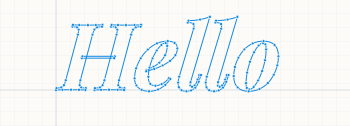
Bring all 1,900+ Google Fonts — or any .ttf / .otf you upload — straight into your Part Studio. Pick a face, type your text, click Insert. The result lands on the active sketch plane as native curves you can resize, rotate, and reposition anytime from the standard feature dialog.
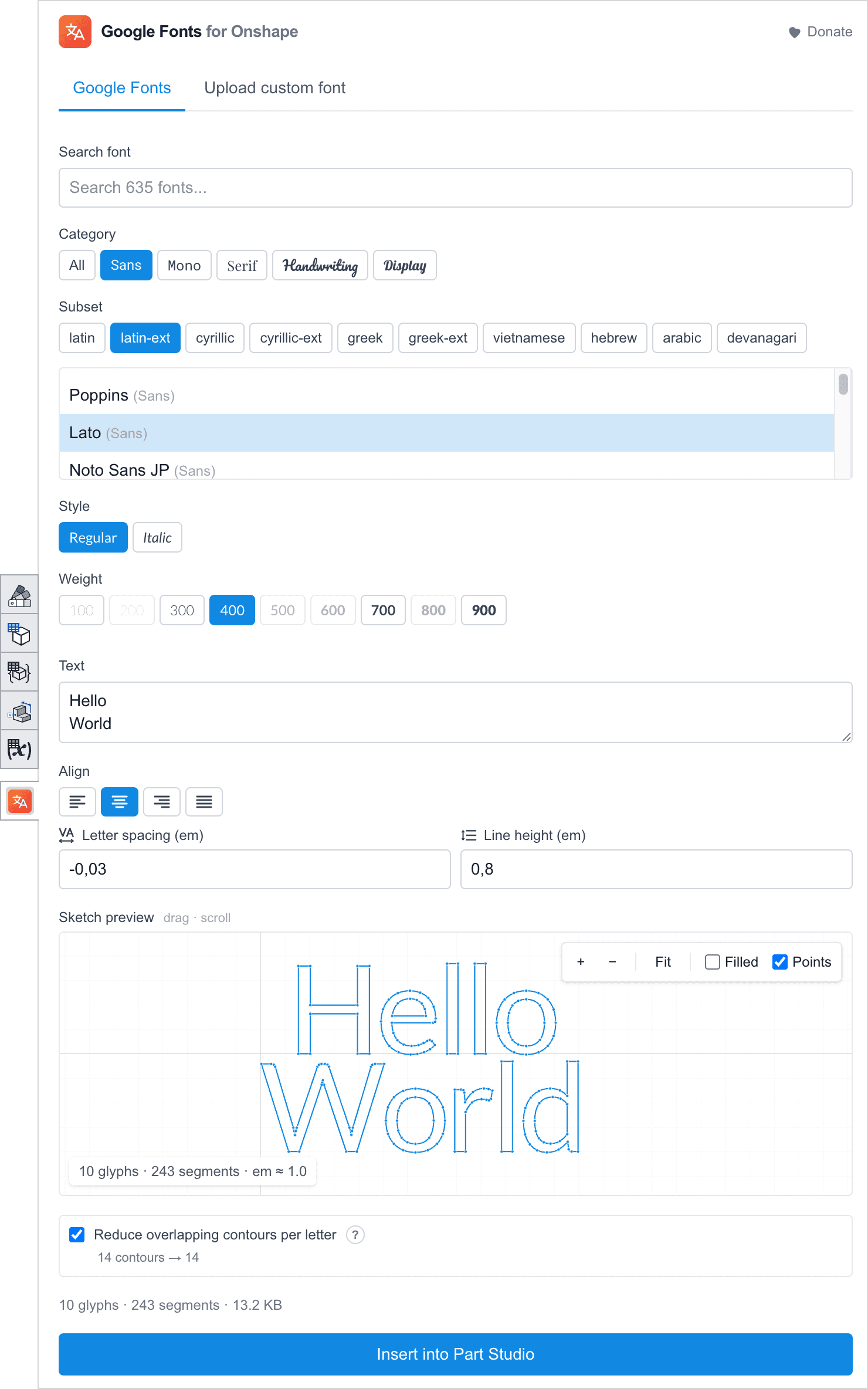
From font picker to extruded part in under a minute.
One sketch tool — every font, native geometry.
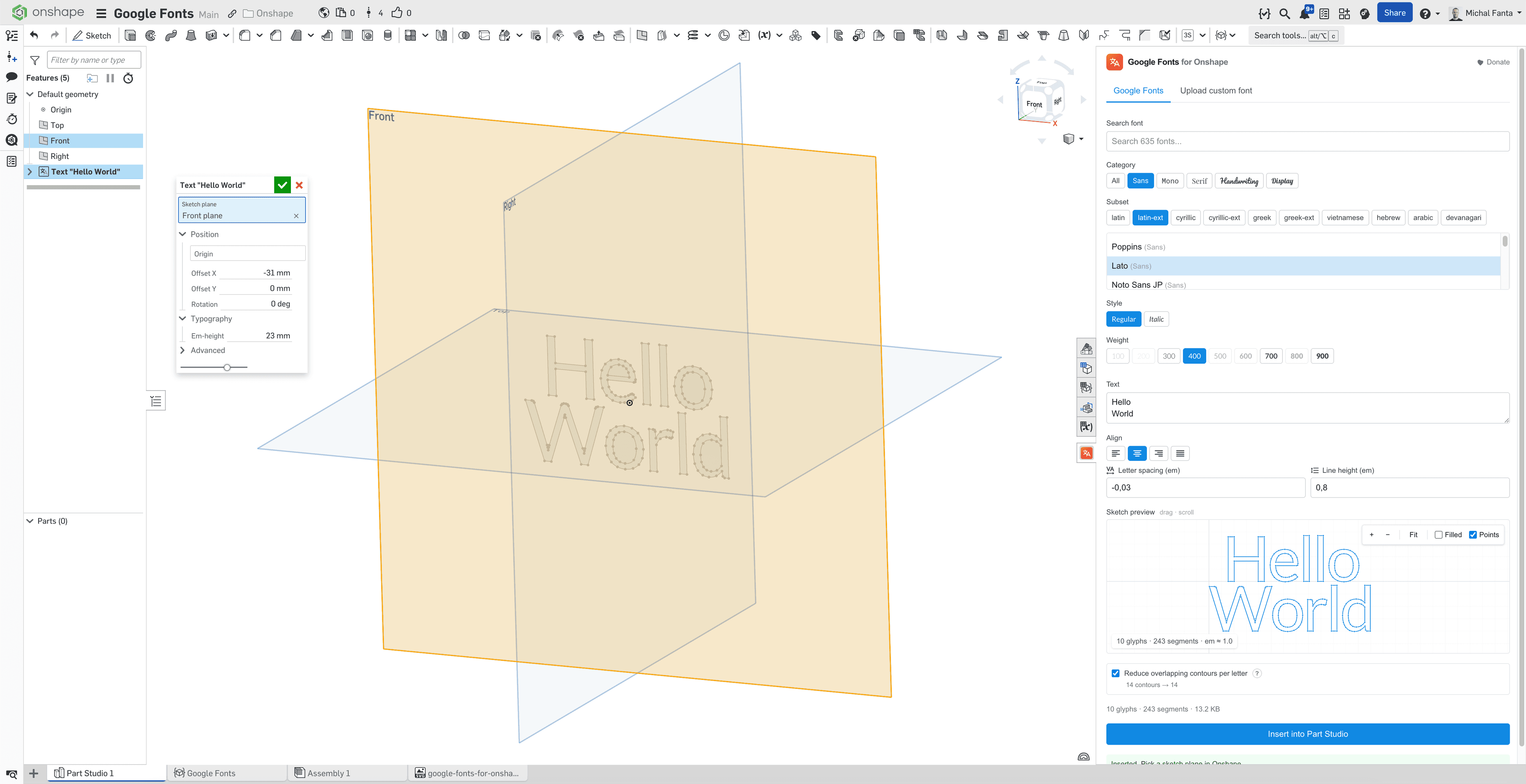
The add-in lives as a panel inside Onshape, alongside the standard sketch tools. Skip the export-and-import detour to a vector editor: pick a font, type your text, click Insert. The result lands as native sketch curves. Em-height, rotation, origin point and offsets stay as live feature parameters so you can resize, rotate, and reposition anytime — to change the text, font, or layout, just open the panel again.
Free. Forever.
No accounts, no upgrade prompts, no usage caps. Built as a weekend tool that grew up.
Install in two clicks from the Onshape App Store.
- All 1,900+ Google Fonts
- Native sketch geometry
- Resize, rotate, reposition from the feature dialog
- Upload your own .ttf / .otf
- 10 language subsets, all weights & styles
- Works with team & enterprise plans
Saved you a few hours? Buy me a coffee →